RPG Maker Binomorph v1.1
A downloadable tool for Windows
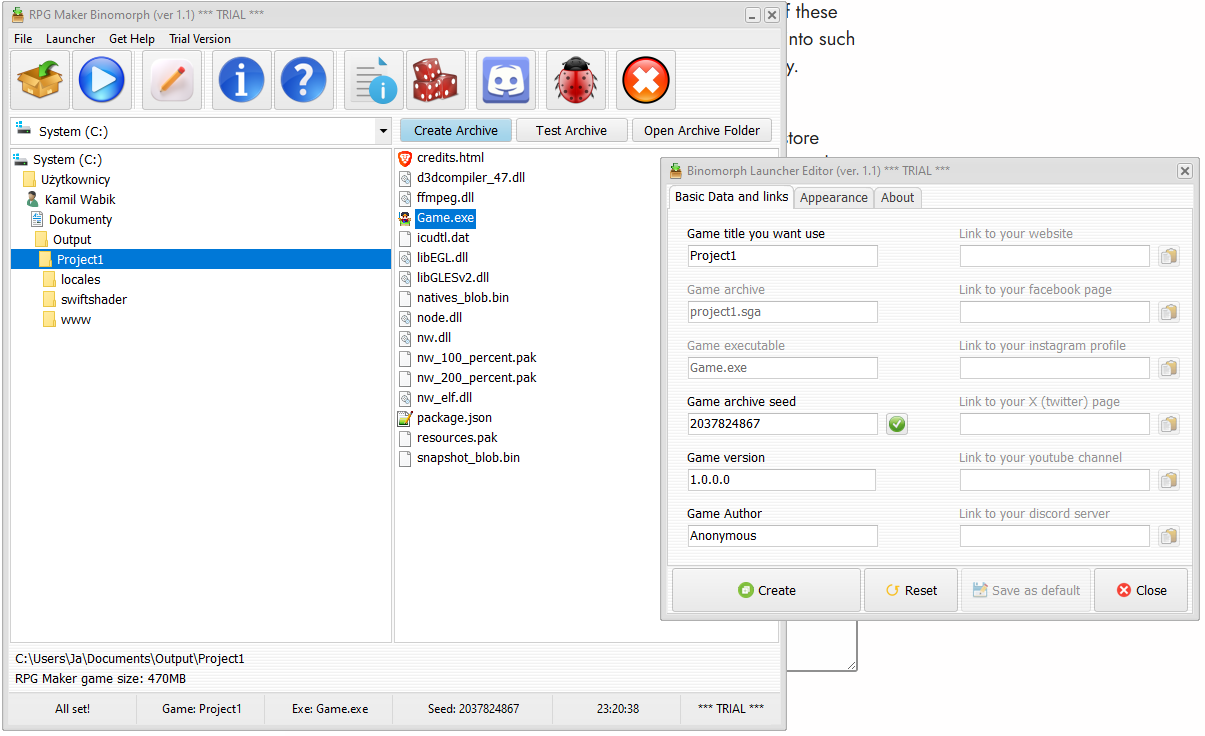
Rpg maker Binomorph is a powerful tool that creates encrypted, but uncompressed archive .sga (Soulrender's Game Archive), this tool was created to keep your assets from stealing by others and keep your project well organized in your distribution package.
Secure Your Legacy with Advanced Encryption
RPG Maker Binomorph provides a robust security layer for your RPG Maker MV and MZ projects by consolidating game assets into a highly secure, custom-encrypted archive. This process transforms vulnerable raw data folders into a single, protected binary format, preventing unauthorized access to your hard-earned assets while ensuring seamless compatibility with deployed builds.
The engine is specifically engineered to understand the complex folder structures of both MV and MZ. By utilizing intelligent validation, the launcher identifies project roots and prevents common deployment errors, ensuring that your game remains stable and professional from the first click to the final credits.
Why Choose RPGMB?
In a market where asset theft and easy "data mining" are common, this tool provides the professional edge your project deserves. Beyond security, it features a native Windows 10/11 interface that eliminates the visual glitches often found in standard RPG Maker deployments, such as flickering toggles or outdated UI elements. It effectively elevates your game from a "hobbyist project" to a polished, commercial-grade product that players can trust.
Investing in RPG Maker Binomorph is about saving time and protecting your creative investment. For a price lower than a standard asset pack, you gain a reliable deployment partner that handles the technical heavy lifting of encryption and UI scaling. This allows you to focus on what matters most—telling your story—while knowing that your graphics, music, and scripts are locked behind a professional-grade gateway.
Follow me for more
The journey doesn't end here; I am constantly refining the encryption algorithms and adding new UI features to stay ahead of the latest Windows updates. Be sure to follow my profile to receive notifications about new features, security patches, and future tools designed to empower RPG Maker developers like you!
Free Version is plain RAR archive and you can extract it anywhere.
Full version require password:
UBKVNYSV7HILN7D2A177LCHTC6IO6EXX
Purchase
In order to download this tool you must purchase it at or above the minimum price of $6.99 USD. You will get access to the following files:
Download demo
Development log
- Update 1.1Feb 28, 2026
Comments
Log in with itch.io to leave a comment.
Doesn't seem to actually work. Trying to run the launcher throws a "Incompatible 16 bit app" error, telling me it's incompatible with 64bit windows. (Tested with a unedited default MZ project, deployed with no encryption.)
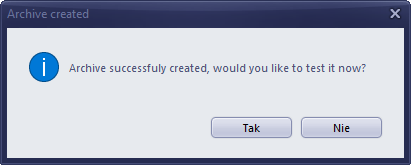
The demo popups are way too frequent and annoying. I really don't need a noisy windows popup telling me it's a demo every 3 minutes.
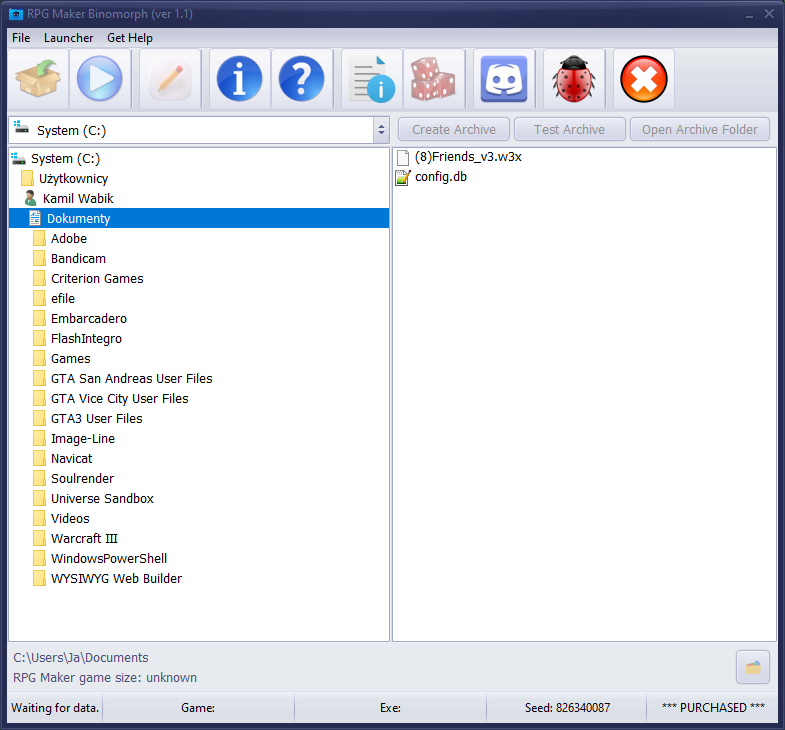
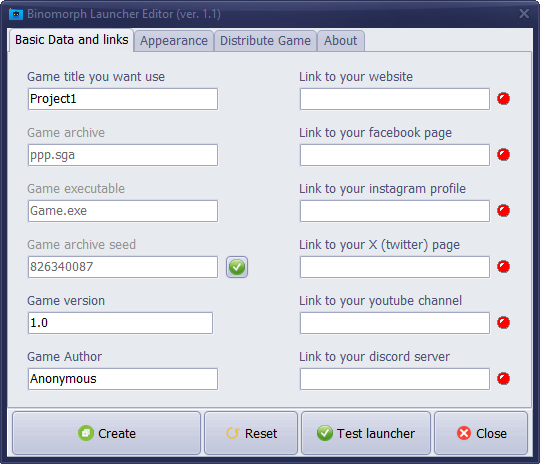
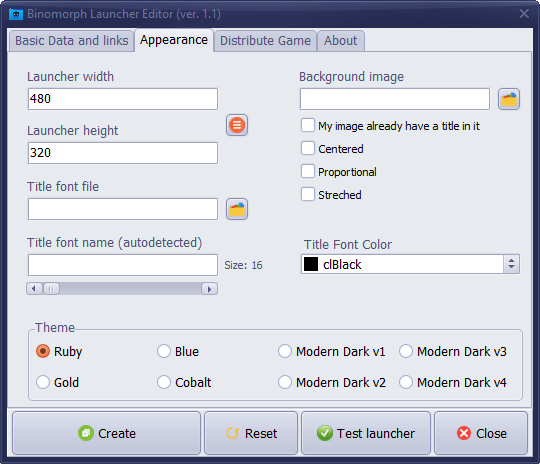
The praise the description gives to its butt-ugly launcher is also completely unwarranted. There are no customization options and it doesn't look like professional to me at all.
And this might just be opinion, but I believe game launchers are unnecessary fluff with no benefit to the user and are best kept to all the F2P mmos. (I write while another noisy popup happens)
In terms of the software's UI I don't really understand how you can have a program that doesn't feature popup info on the buttons in this day and age, but instead you'll have to read the manual to see what they do. (And I really don't get the appeal of using MSN messenger style icons)
I obviously couldn't test any of the supposed "UI scaling" and "flickering toggles or outdated UI elements" this software supposedly fixes since the game won't actually launch (Not that I ever encountered any of these things. Are they supposed to be in game changes? It certainly has nothing to do with the engine itself. In which case, why would this be making changes to how my game works with no settings to turn it off/edit?)
The demo is also too limited. 400MB folder size limit means pretty much nobody who actually has assets worth protecting can test it with their actual project to see if this conflicts with their individual plugin/asset setup. Having tried many of these encryption solutions for RPG Maker, I've constantly ran into such problems and I'm not willing to shill out money just to try.
This very restricted demo and the seemingly AI written store page does no inspire confidence in the software, seeing as the creator is so afraid of people being able to actually do anything of value with the trial.
Edit: It also just so happened that the popup sometimes hides behind the main application window with no separate window to select in the task bar, resulting in you not being able to close it unless you minimize it via the task bar. Overall not the "reliable deployment partner" that is advertised.
Thank you for reply, I completly rewrote code and I’m still fixing other issues.